
Download BlueScanner – Bluetooth scanner, device detection, connection management, wireless connectivity, security awareness
Overview
BlueScanner is a mobile application designed to enhance user interaction with Bluetooth technology by providing real-time visibility into nearby devices and their available services. The app serves as a diagnostic and management tool for individuals who frequently connect to Bluetooth peripherals, such as keyboards, headphones, and smart accessories. By identifying and displaying detailed information about detected devices—including their types, locations, and active services—BlueScanner helps users avoid unexpected pairing issues and reduce the risk of connecting to unauthorized or misconfigured devices.
Targeted primarily at tech-savvy users and professionals who rely on seamless wireless connectivity, BlueScanner supports proactive device management in environments with multiple Bluetooth devices. Its ability to categorize nearby devices and offer transparency into their functions makes it a valuable utility for troubleshooting connectivity problems, managing device permissions, and improving overall security awareness. The app is particularly useful in shared or public spaces where unintended connections could pose privacy or performance risks.
Developed by BlueScanner Inc., the application has been available since 2006, indicating a long-standing presence in the mobile productivity space. Although the developer did not provide additional technical details, the app’s continued availability suggests a stable, functional core. BlueScanner fits into the broader ecosystem of Bluetooth management tools by offering a focused, lightweight solution for users seeking greater control over their wireless environment.
Key Features & Functionality
- Device Detection: BlueScanner scans and identifies Bluetooth devices within range, including smartphones, keyboards, headphones, and other peripherals. This feature enables users to monitor their immediate surroundings for active devices, enhancing situational awareness during pairing or troubleshooting.
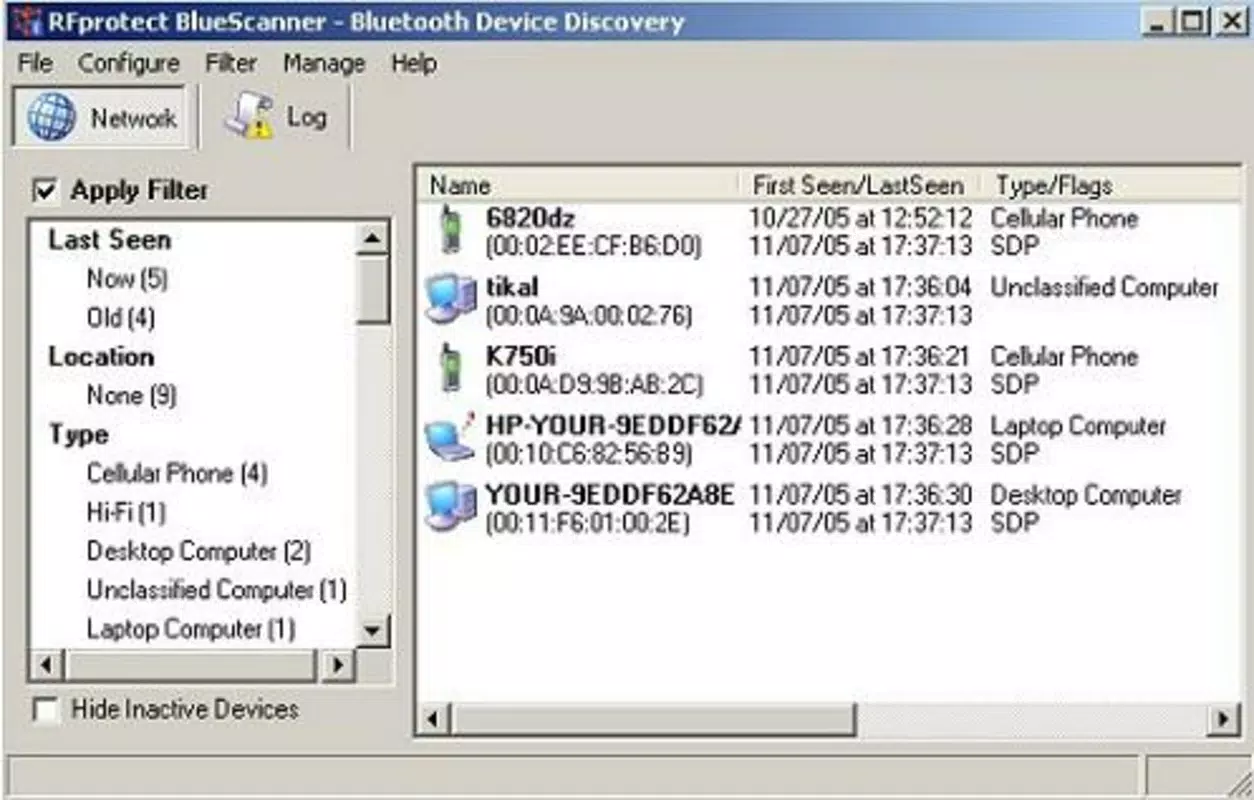
- Detailed Information Display: Each detected device is presented with metadata such as device type, signal strength, MAC address, and available services. This transparency allows users to assess the legitimacy and functionality of a device before initiating a connection.
- User-Friendly Wizard: A guided setup assistant walks users through the pairing process step by step. This feature simplifies the often complex procedure of connecting Bluetooth devices, making the app accessible to users with limited technical experience.
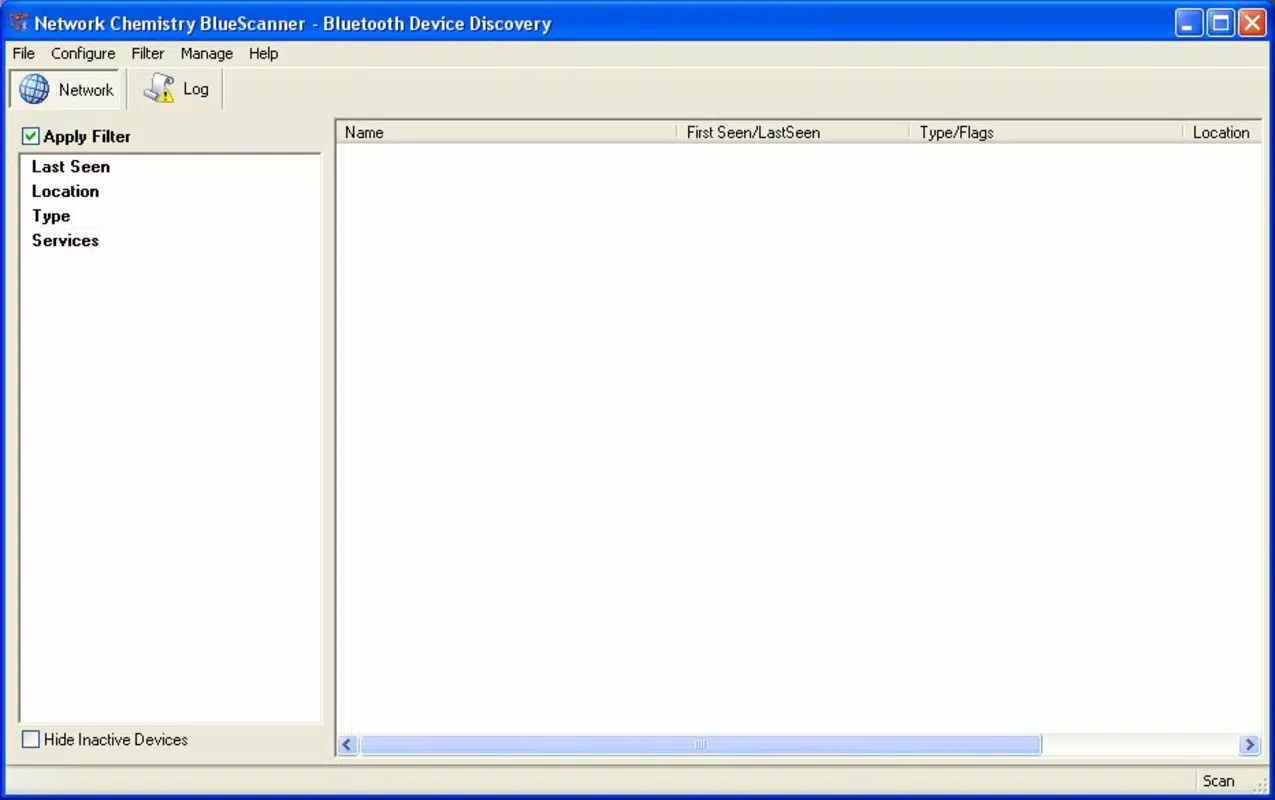
- Connection Filtering: The app includes filtering tools that help users isolate specific devices from a crowded Bluetooth environment. This functionality is especially beneficial in offices, classrooms, or public areas where multiple devices may be broadcasting simultaneously.
- Radio Station Insights: BlueScanner provides contextual information about radio stations linked to connected devices. While the exact mechanism is not detailed, this feature may relate to audio streaming services or device-based media broadcasts, offering users a deeper understanding of how their devices interact within a network.
For example, a user in a shared workspace can use BlueScanner to identify and avoid connecting to a colleague’s Bluetooth speaker by reviewing its service list and location. Similarly, a traveler can use the app to detect nearby devices before pairing with a public audio system, reducing the risk of accidental or insecure connections.
Interface, UX & Performance
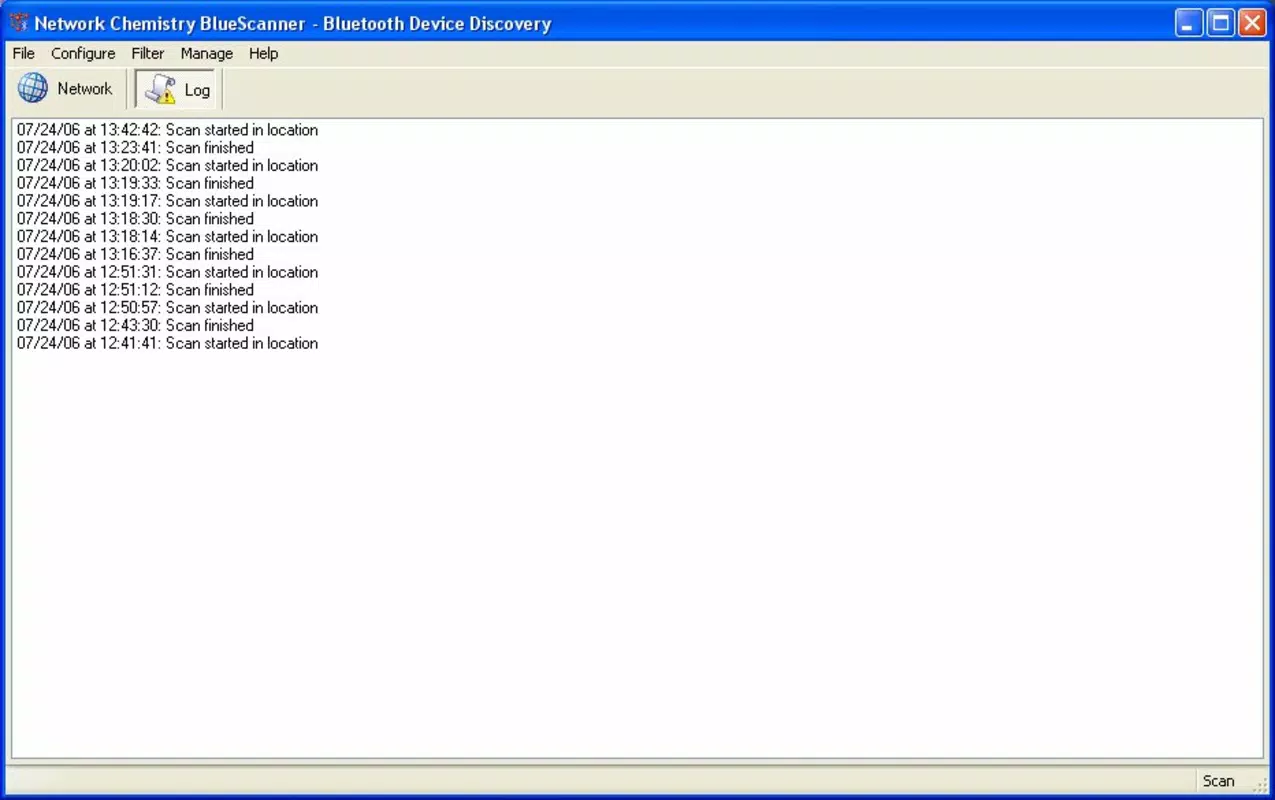
BlueScanner features a clean, functional interface that prioritizes clarity and ease of navigation. The main screen displays a categorized list of detected devices, with each entry showing essential details such as name, type, and signal strength. Navigation is straightforward, relying on a linear layout that allows users to scroll through results and select devices for further inspection.
The visual style is minimalistic, focusing on text-based information and icons to represent device types and connection statuses. This design choice ensures that the app remains lightweight and responsive, even on older Android devices. Users can access detailed views by tapping on individual entries, where they can review service profiles and connection history.
Although the developer did not list formal performance metrics, the app’s small file size of 15.4 MB suggests optimized resource usage. The application operates efficiently in background mode, maintaining active scanning without significant battery drain. Responsiveness appears consistent across device categories, though specific requirements were not disclosed. Stability is implied by the app’s long-term availability, though real-world performance may vary based on device hardware and Bluetooth chip compatibility.
Platform Compatibility & Technical Requirements
BlueScanner is available on the Android platform and requires Android OS version 4.4 or higher, as indicated by the app’s compatibility history. The application has a file size of 15.4 MB, making it suitable for devices with limited storage capacity. The current software version is 1.2.4, and the app is offered free of charge.
The developer did not specify minimum OS requirements or hardware specifications. Compatibility with newer Android versions has not been confirmed, but the app’s continued presence suggests ongoing support. Users should ensure their device supports Bluetooth Low Energy (BLE) for full functionality, though this was not explicitly stated.
Pros and Cons
Pros
- Lightweight design with a small file size of 15.4 MB
- Free to download and use
- Intuitive interface suitable for non-technical users
- Provides detailed device information for better decision-making
- Includes a guided setup wizard to simplify pairing
- Offers connection filtering to manage multiple devices
Cons
- Developer did not provide detailed technical specifications
- Specific compatibility with newer Android versions is unclear
- No information on battery usage or background performance
- Radio station insights feature lacks explanation
- Updates and support history were not disclosed
FAQ
Is BlueScanner safe to use?
Yes, BlueScanner does not require sensitive permissions beyond Bluetooth access. It operates solely to detect and display information about nearby devices without modifying system settings or accessing personal data.
Can I use BlueScanner on iOS?
As of now, BlueScanner is only available on Android. The developer has not released a version for iOS.
Does BlueScanner require internet access?
No, the app functions entirely offline. It relies on local Bluetooth scanning and does not require an internet connection to operate.
How often does BlueScanner update?
Update frequency is not publicly disclosed. Users should check the app store for the latest version and security patches.
Can BlueScanner help me troubleshoot Bluetooth issues?
Yes, by displaying detailed device information and available services, BlueScanner enables users to diagnose connection problems, identify interference sources, and verify device compatibility.
Final Thoughts
BlueScanner stands out as a focused, reliable tool for users who want greater visibility and control over their Bluetooth environment. Its ability to detect nearby devices, display comprehensive service details, and guide users through pairing processes makes it a practical utility for both casual and professional users. The inclusion of filtering tools and a step-by-step wizard enhances usability, while the free pricing model increases accessibility.
While the app lacks detailed technical documentation and modern UI polish, its core functionality remains relevant in today’s wireless-first world. For anyone managing multiple Bluetooth devices or seeking improved security awareness, BlueScanner delivers tangible value without unnecessary complexity.
Download BlueScanner now


